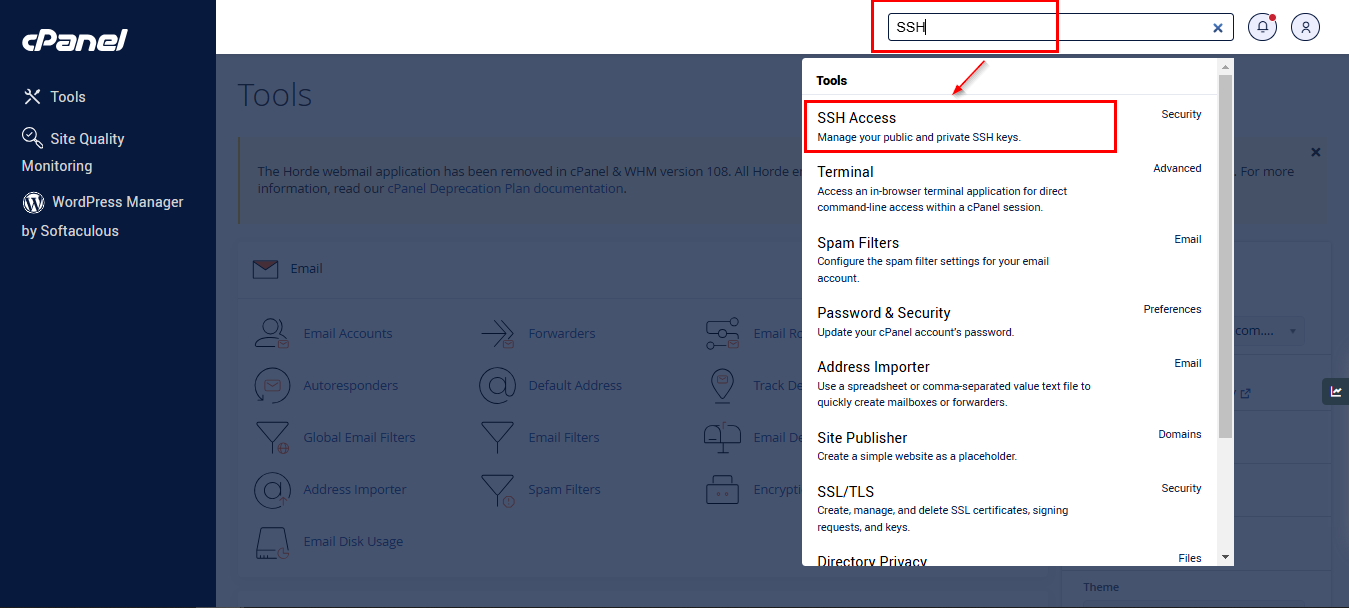
Login to CPANEL DASHBOARD using URL : https://<yourdomain>:2083 or https://apex.mycloud.com.my:2083

Type SSH on search column
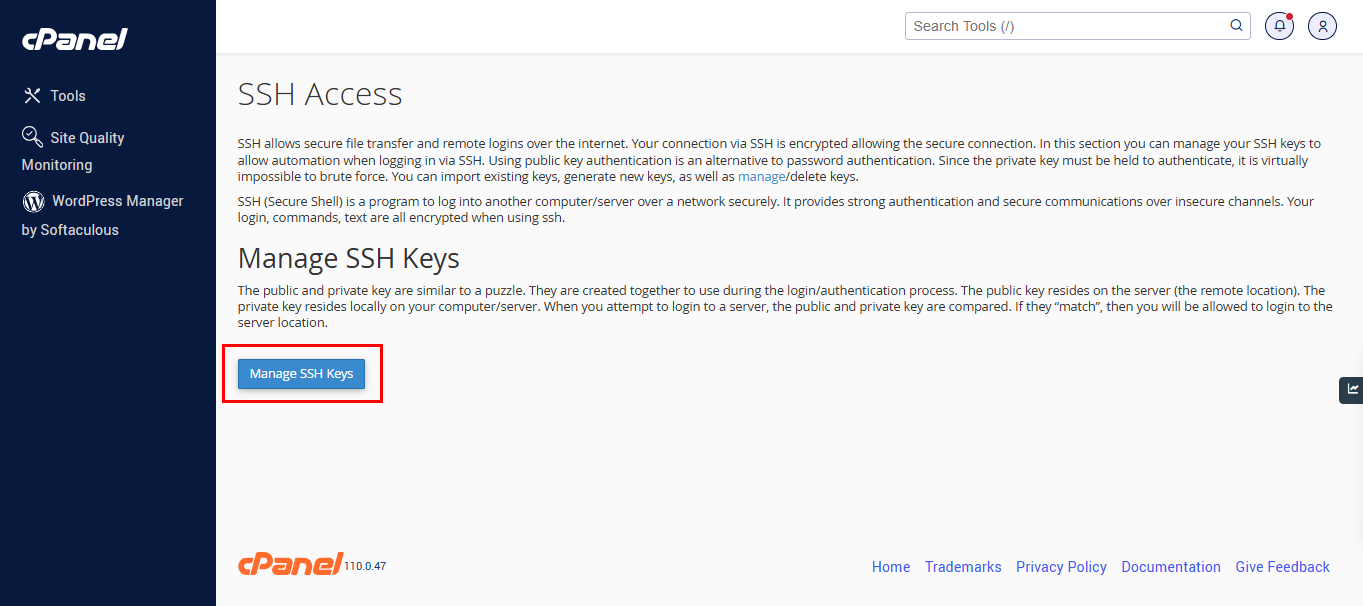
Manage SSH Keys
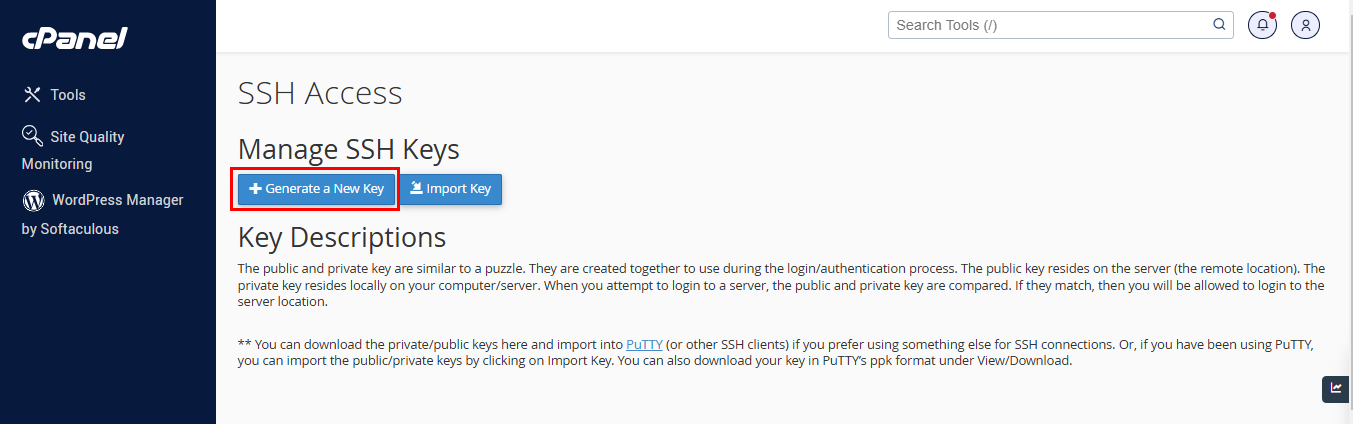
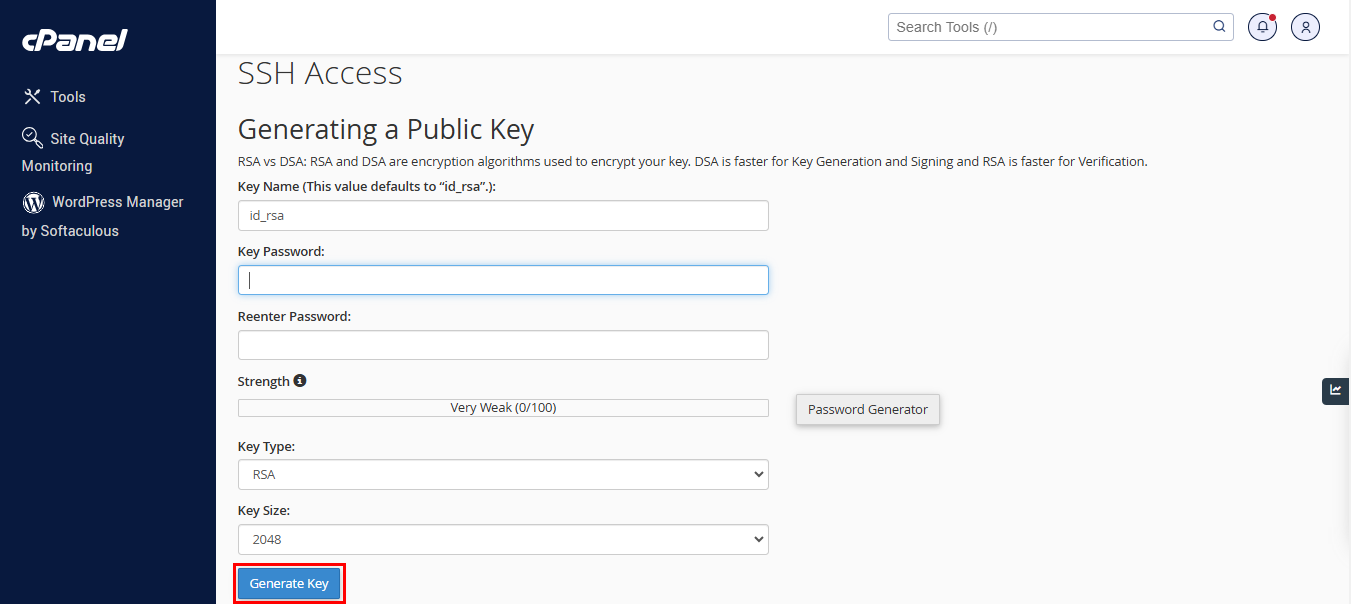
Click “Generate a New Key” Button
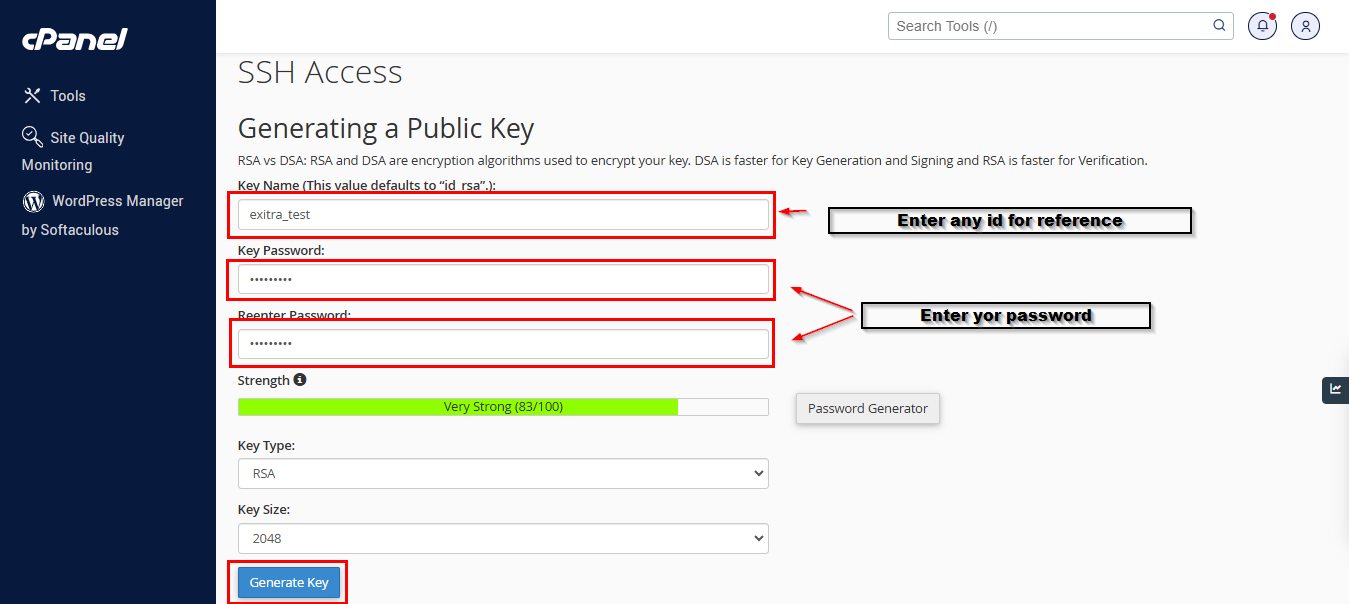
Please enter the info needed , and Click Generate Key button :-
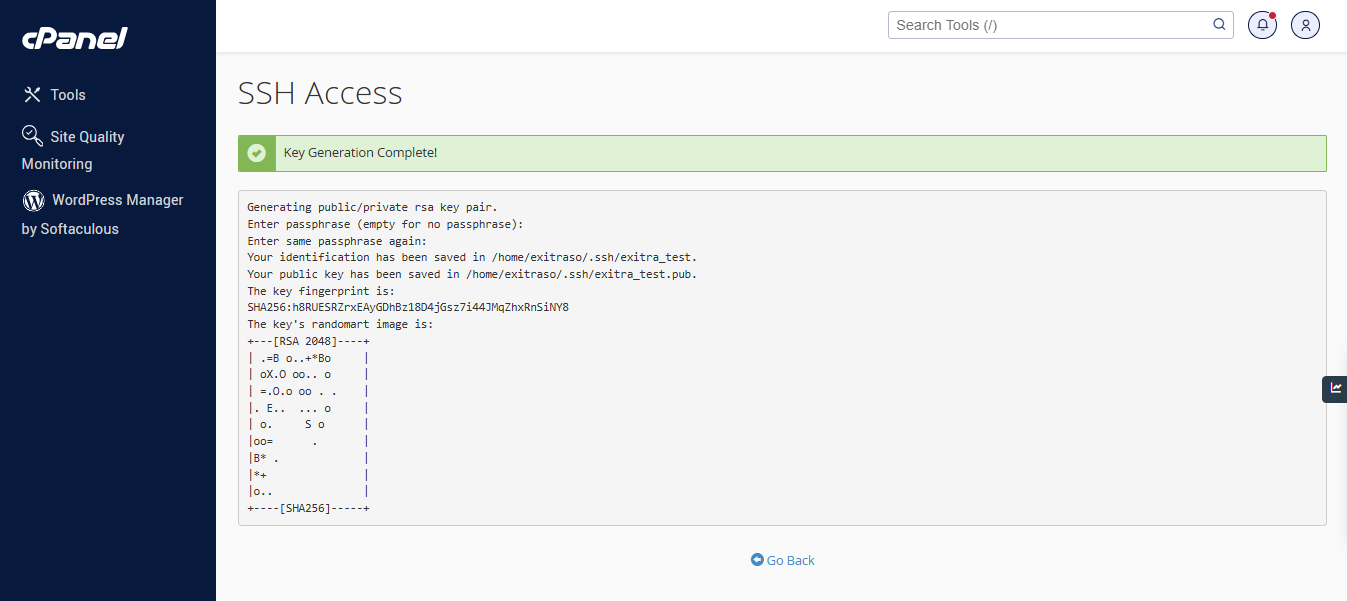
It will go to generate key page , show “Key Generation Complete!“ . Please click “Go Back” .
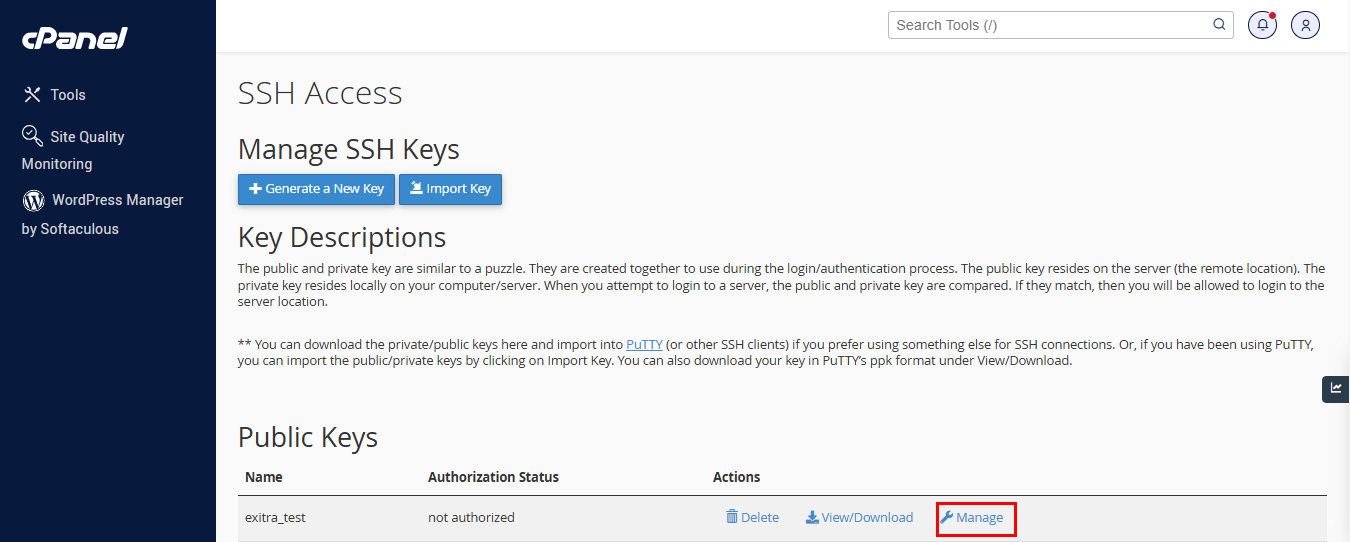
Go to Click Manage for user id you created, under Public Key
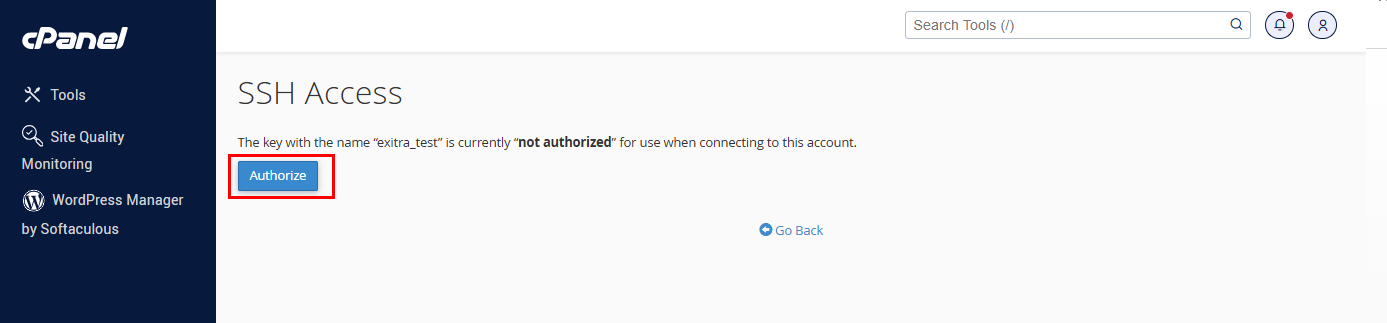
Click Authorized
Once show authorized , click “Go Back”
At Private Keys , Click at View/Download button

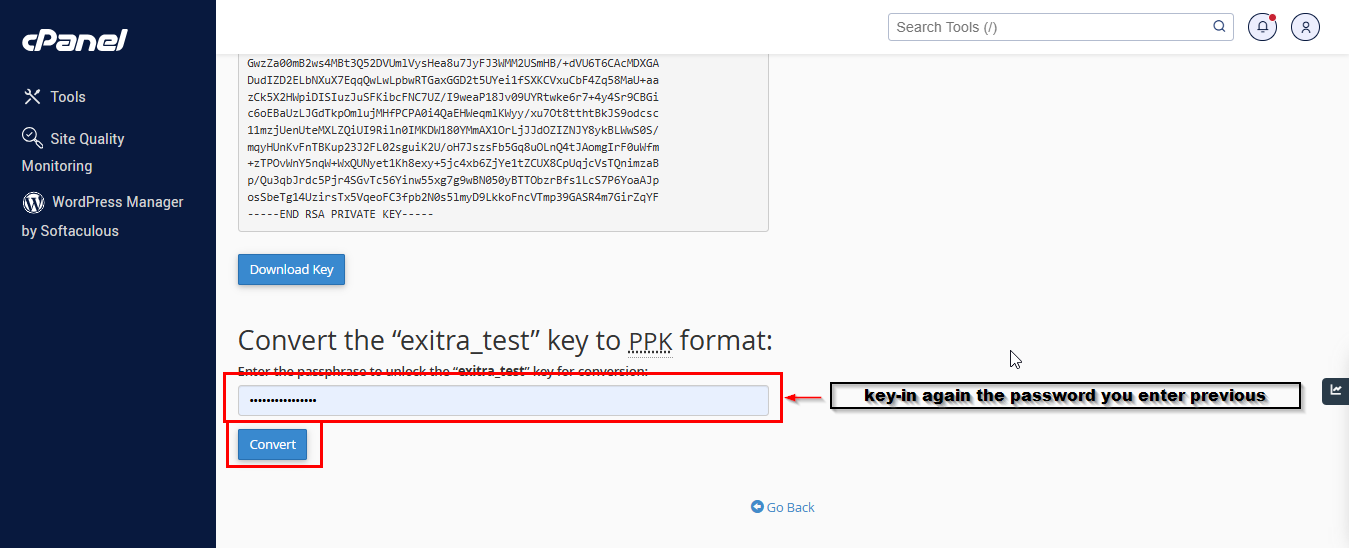
At this section scroll down page , and click convert. **Please remember this password

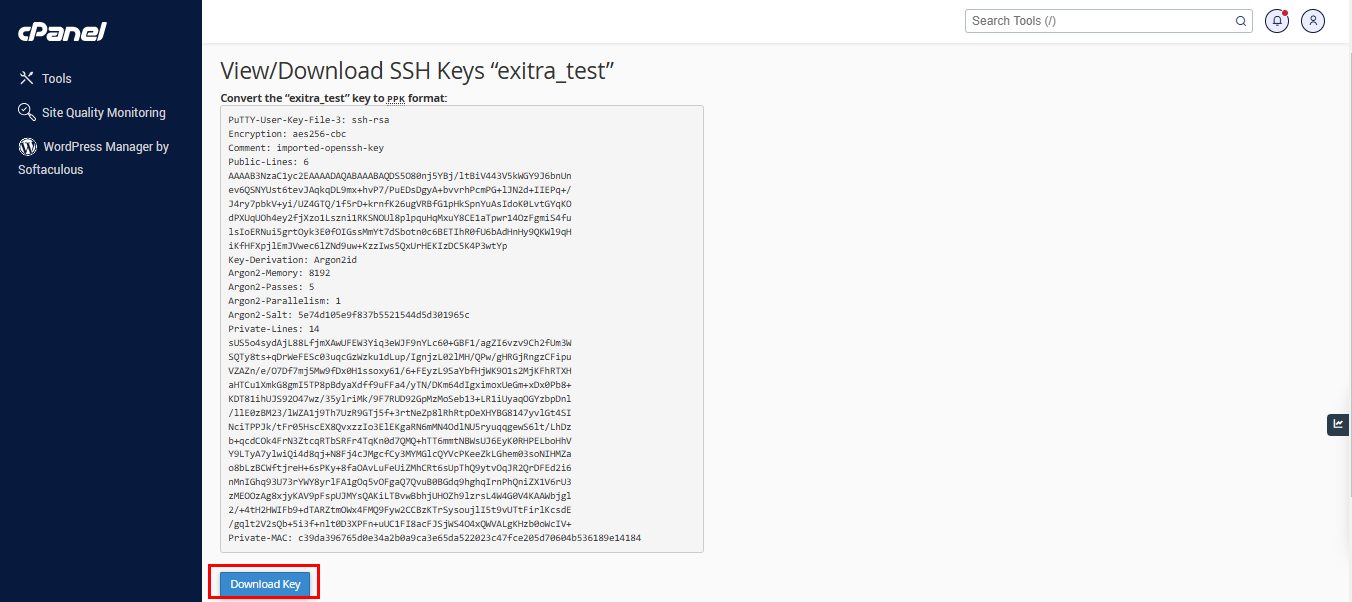
At this page you now able to download private key
Check your download path , and please put the file into the place easy to access.
------------------------------------------------------------------------------------------------------------------------------------------------
Once the previous step complete , you may access the file using FTP clients . We will show below access the SFTP using FileZilla
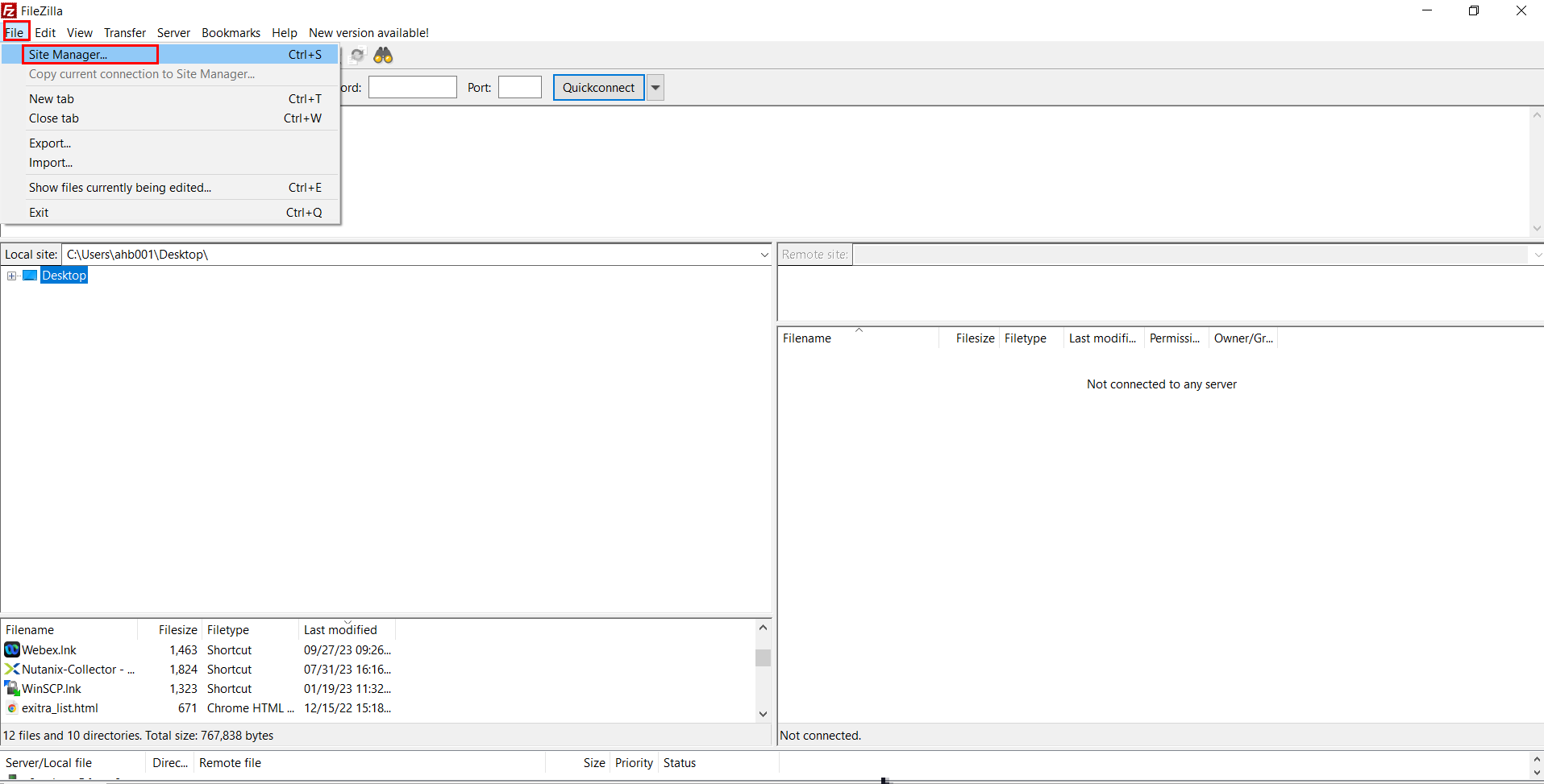
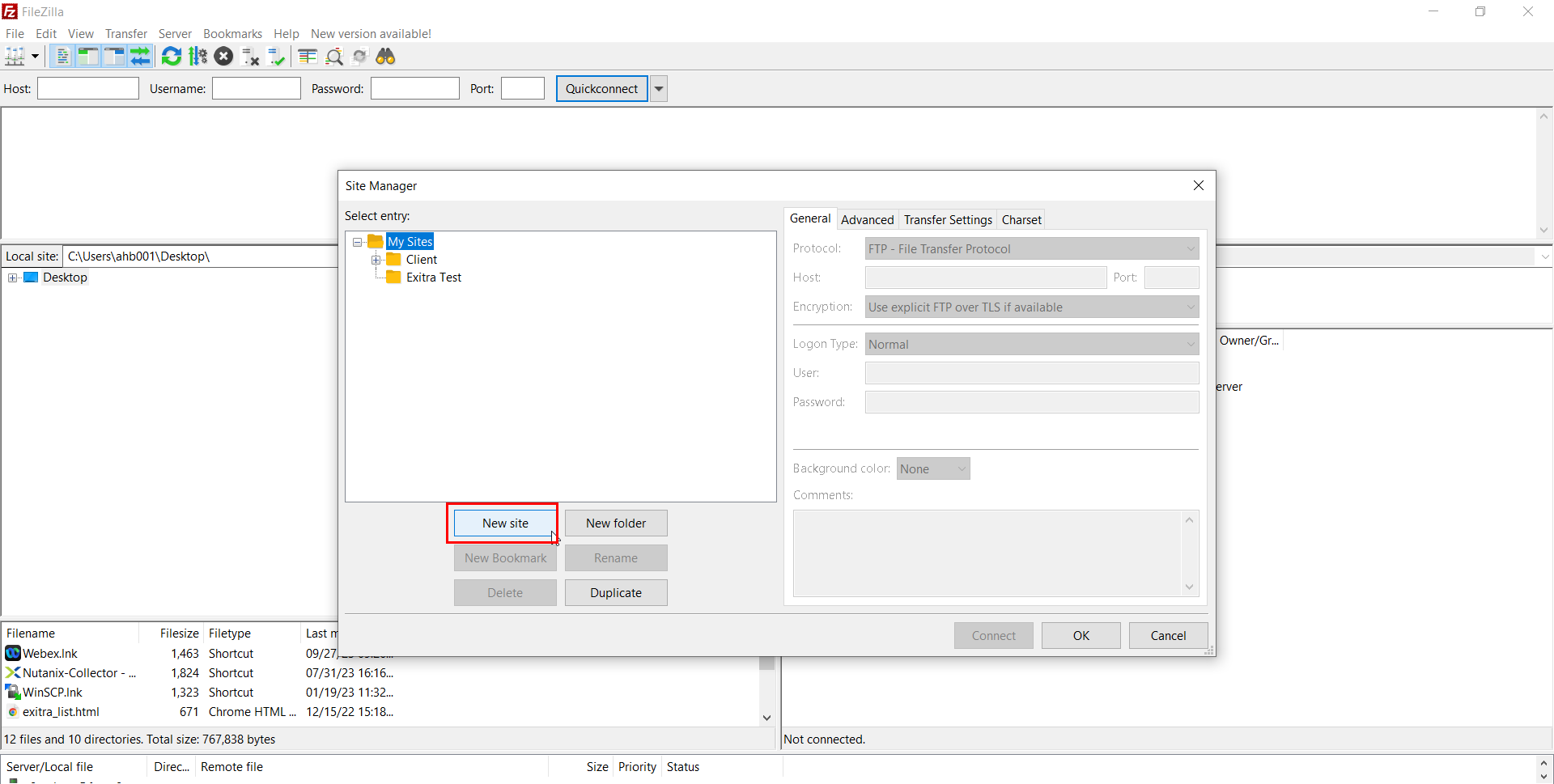
Open the FileZilla application . Click File > Site Manager
Click New Site
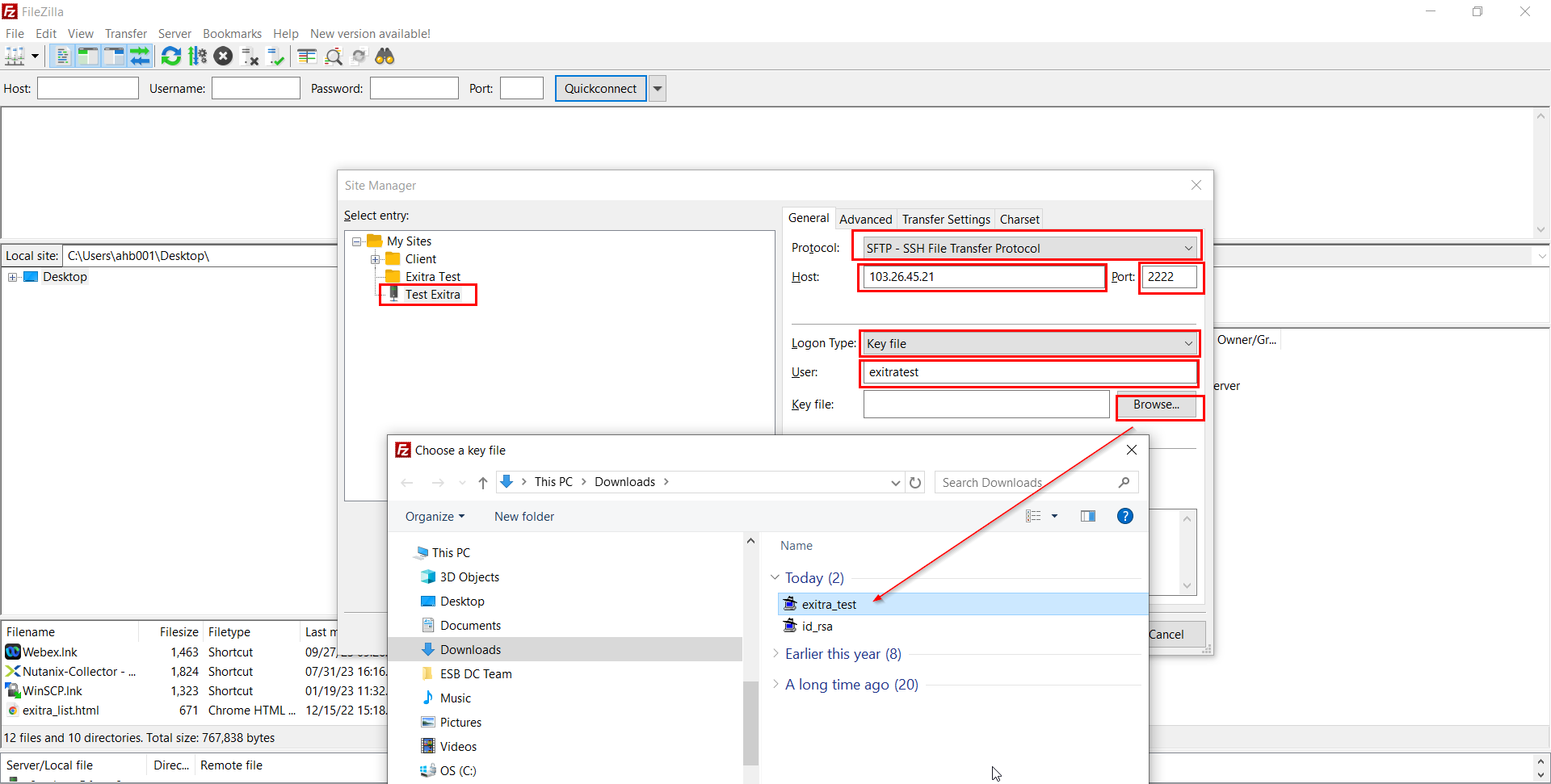
Please enter the info
Protocol : SFTP – SSH File Transfer Protocol
Host : 103.26.45.21
Port : 2222
Logon Type : Key File
User : Must be same as username to access Cpanel
Key File : Browse folder you safe the ppk file
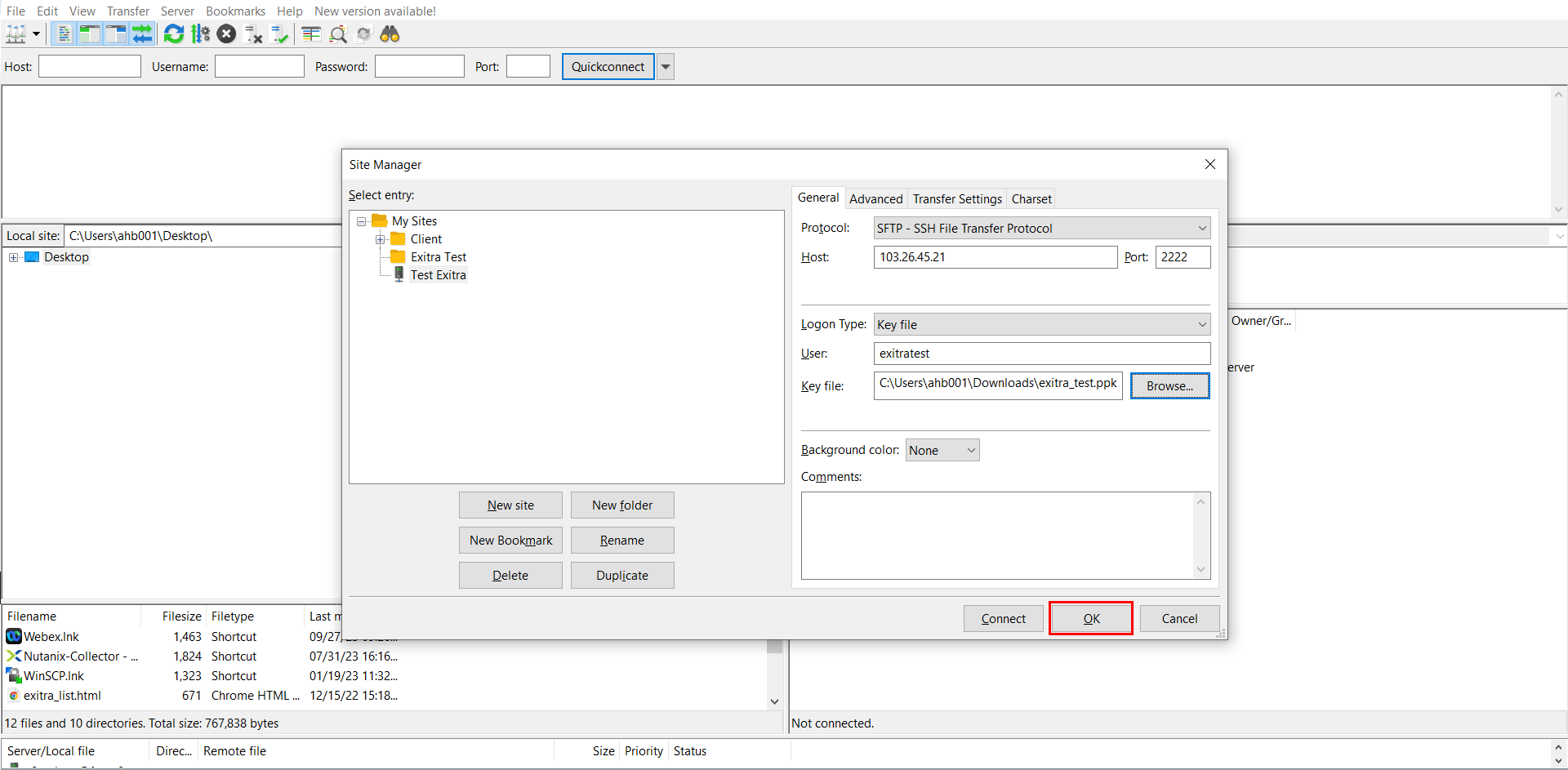
Click OK to save you configuration
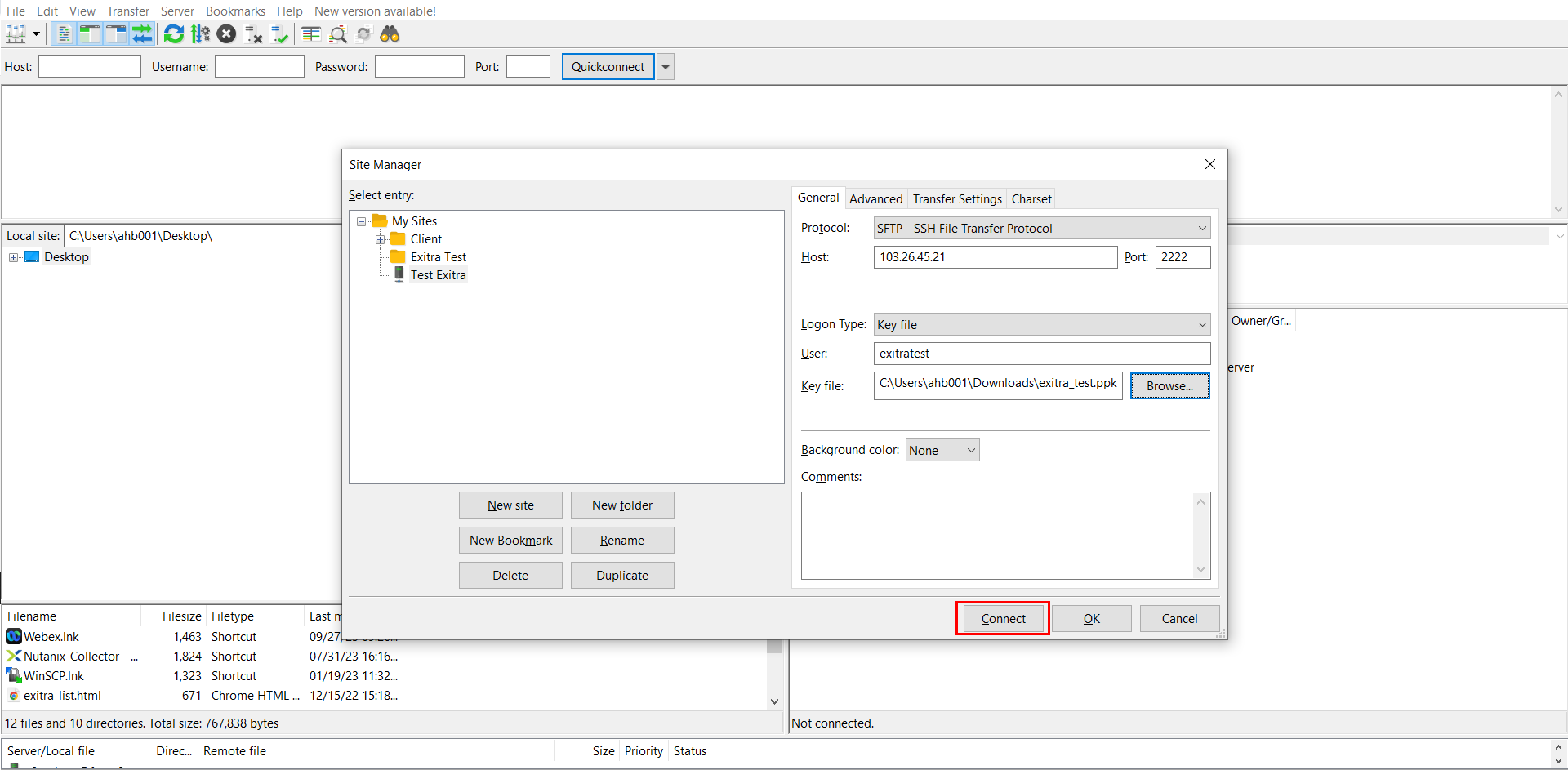
Reopen File > Site Manager and click Connect.
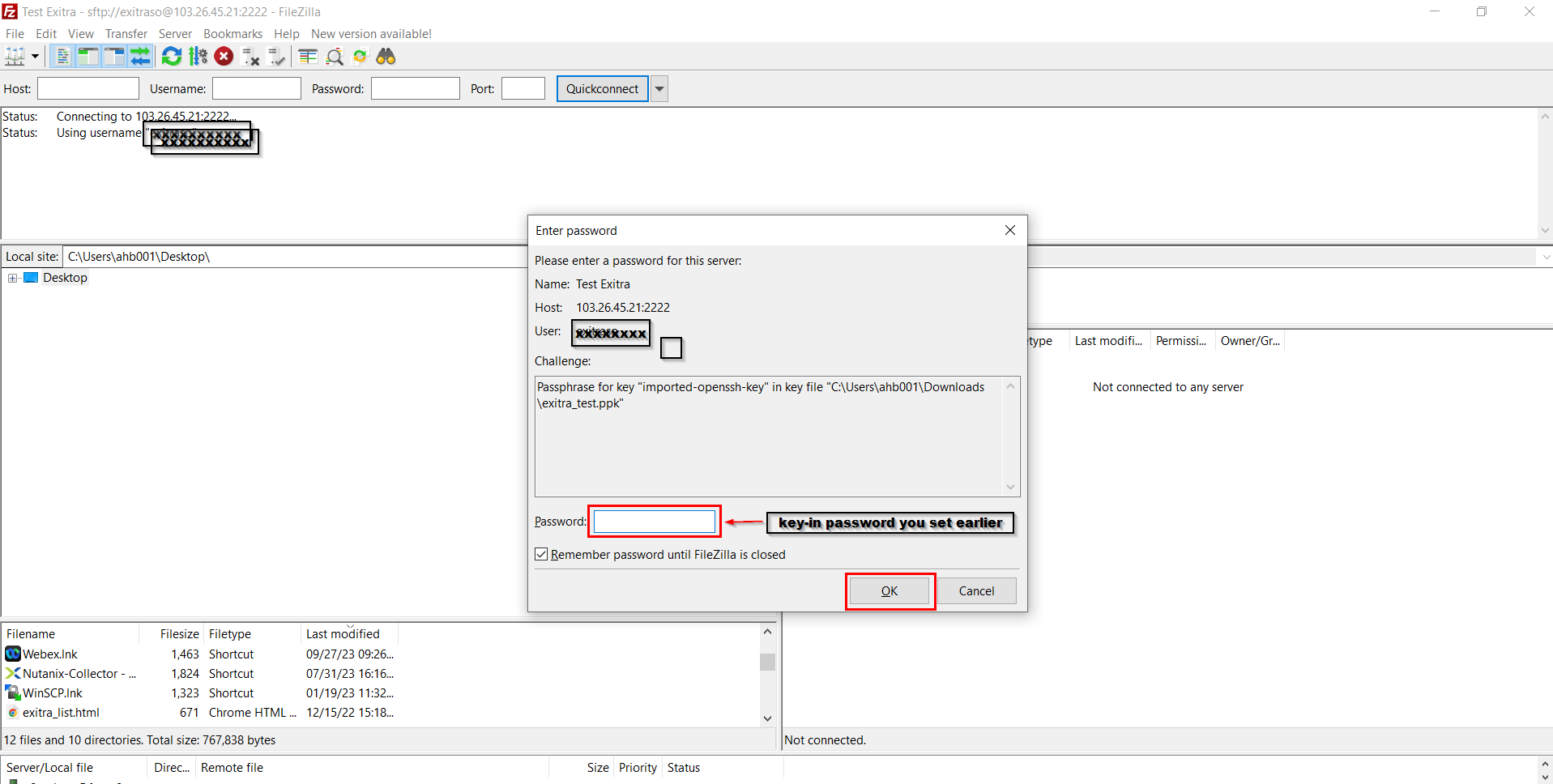
Please key-in password you set earlier
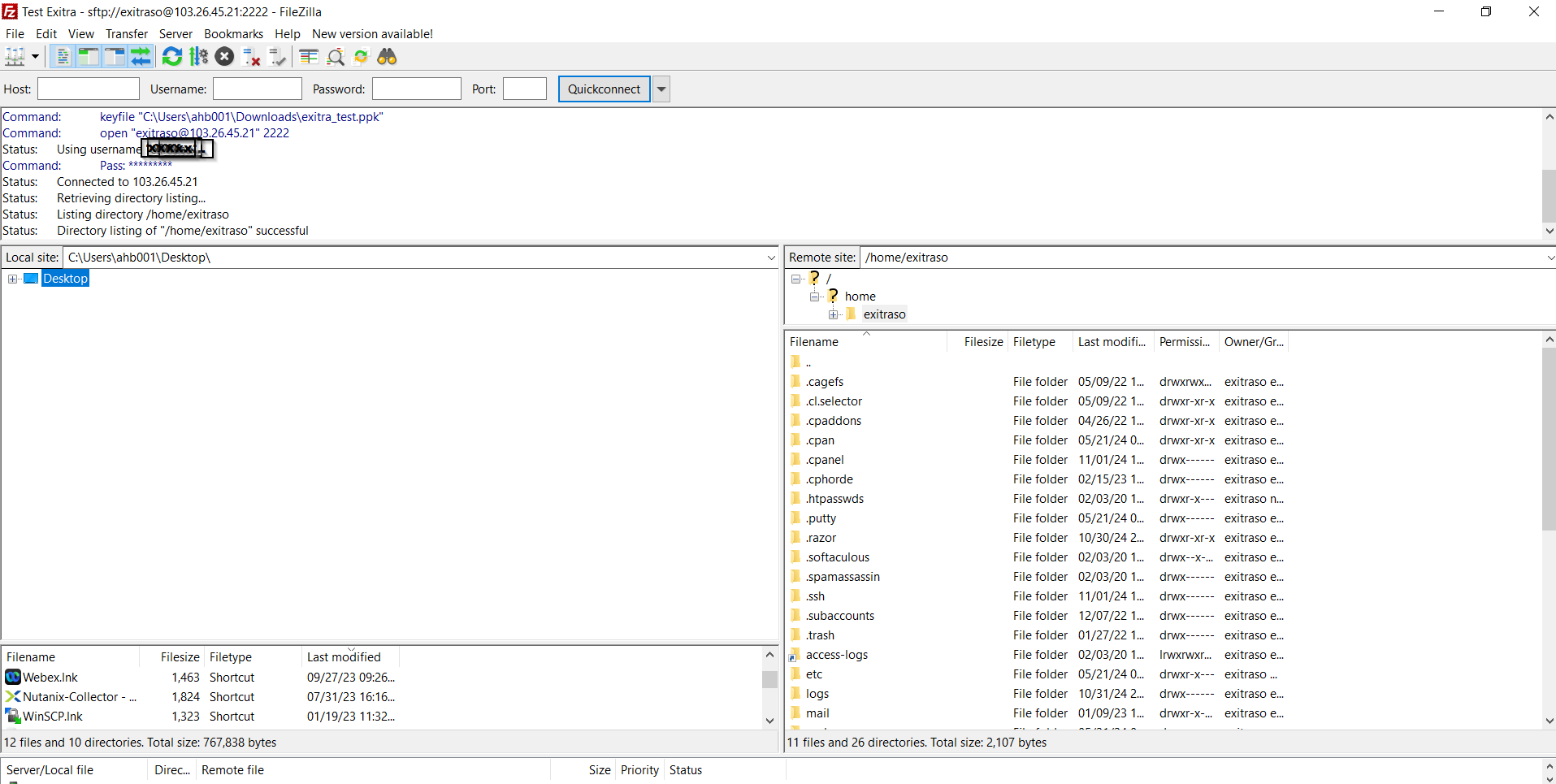
Now you successfully login to CPANEL using SFTP